Audience Analysis: How to Tailor Your Message to Their Needs and Knowledge
Have you ever seen a speaker give a presentation that felt completely off? Maybe they used super complicated words when talking to a group of beginners, or they explained basic stuff to a room full of experts. It’s like trying to teach a fish how to ride a bicycle – it just doesn’t make sense! This happens when a speaker forgets one of the golden rules of public speaking: Audience Analysis.
Audience analysis is simply figuring out who you’re talking to. It’s like being a detective before you even start writing your speech. Knowing your audience’s needs and what they already know is the ultimate planner for any successful talk, whether it’s a big conference, a small meeting, or a class project. When you tailor your message, your PowerPoint slides, and even your tone, you make sure your presentation hits home every single time.
Why Your Audience is Your Guiding Star
Imagine you’re baking a cake. You wouldn’t use salt instead of sugar, would you? Your audience is like the recipe – they tell you exactly what ingredients (information) and methods (delivery style) to use. If you ignore them, your cake (presentation) will likely be a flop.
What to care for:
- Engagement: When your speech directly speaks to your audience’s interests and problems, they’ll lean in and listen. If it doesn’t, they’ll check their phones.
- Understanding: If you use jargon they don’t know, they’ll get lost. If you talk about things they already master, they’ll get bored. Understanding leads to impact.
- Action: Ultimately, many presentations aim for some kind of action, whether it’s making a decision, learning a new skill, or buying a product. You can only get action if your audience truly connects with your message.
Becoming an Audience Detective: What to Look For
So, how do you become an audience detective? You gather clues! Here are the key things to investigate:

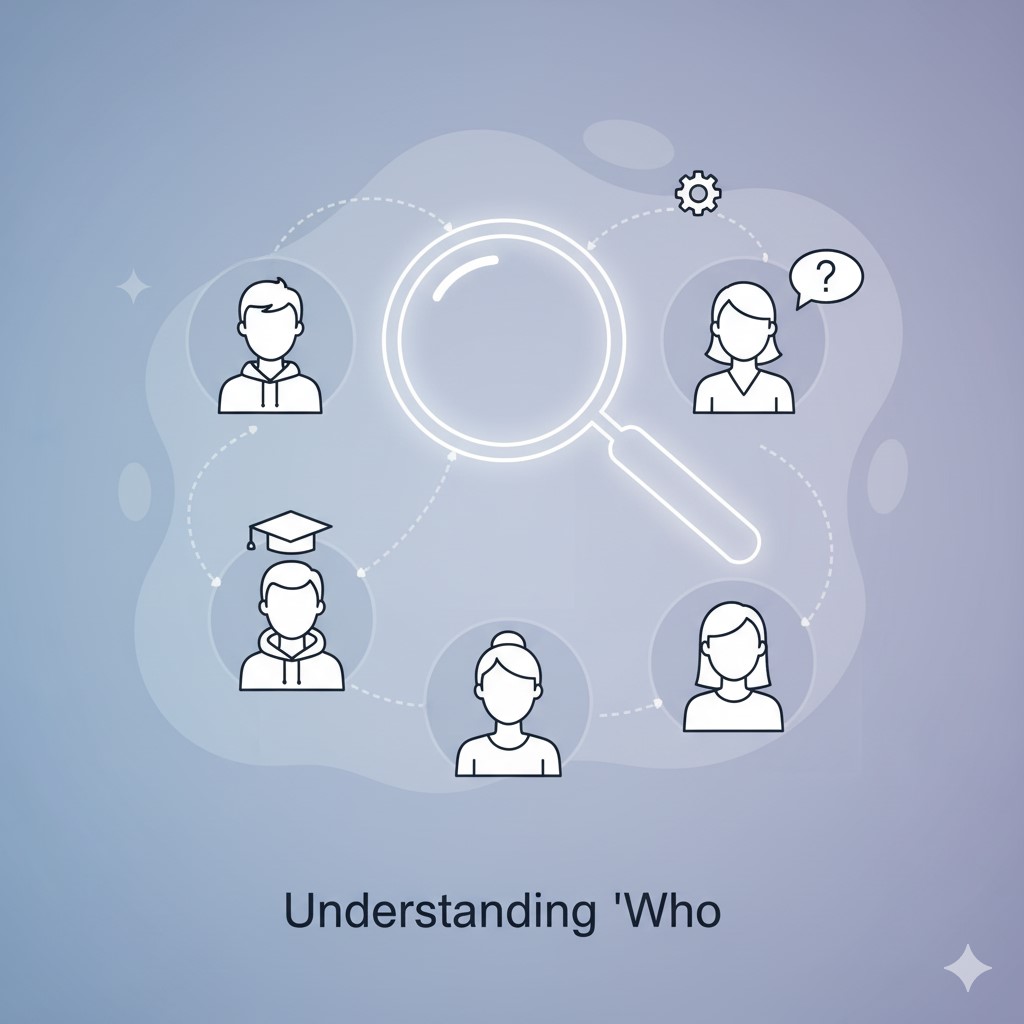
- Who are they? (Demographics)
- Age Group: Are they students (like in a class), young professionals, or experienced veterans? This affects your examples, humor, and references.
- Job Titles/Roles: Are they managers, entry-level staff, clients, or engineers? This tells you their professional context and what kind of solutions they might be looking for.
- Background/Education: What’s their general level of education? This helps you decide how simple or complex your language should be.
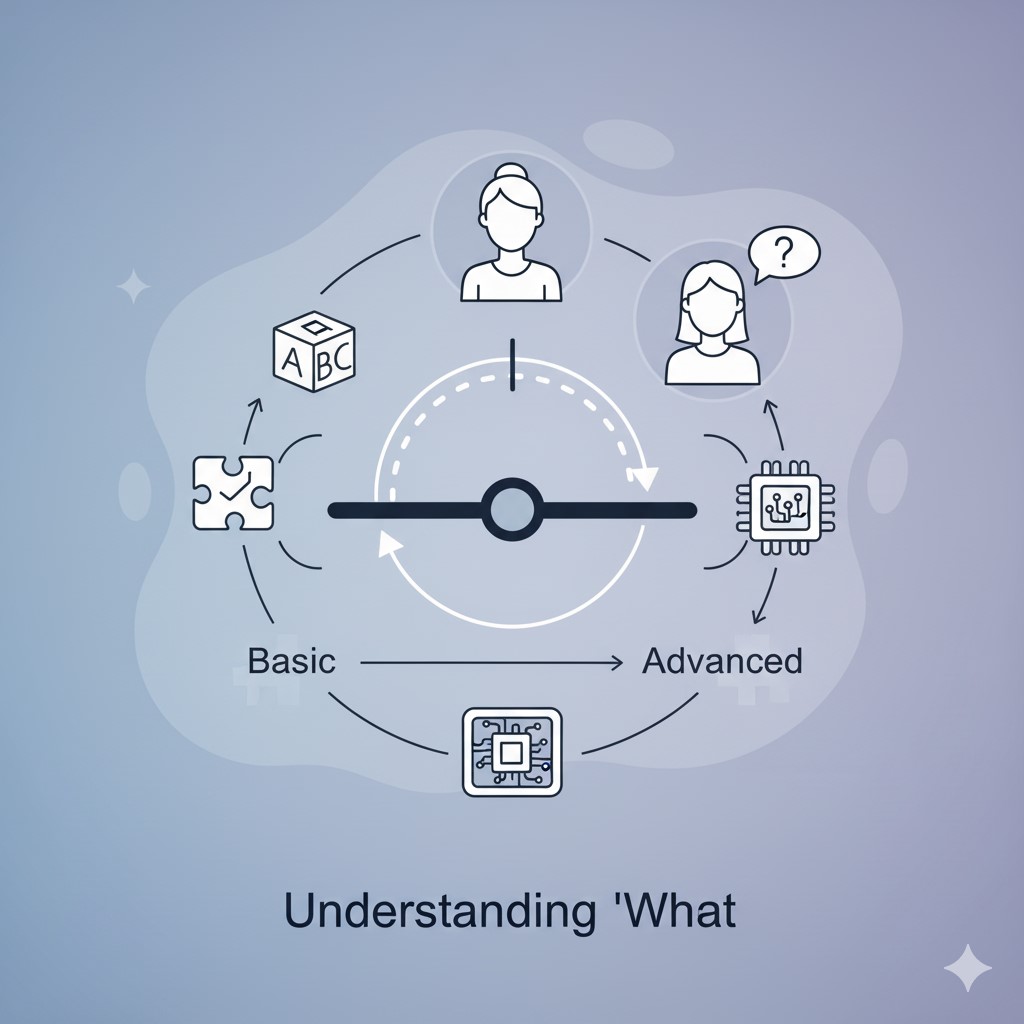
- What do they know? (Knowledge Level)
- Beginners: If they know nothing about your topic, you’ll need to explain basic concepts. Avoid acronyms and jargon. Your PowerPoint slides should be very clear and explanatory.
- Intermediate: They know some basics but aren’t experts. You can go a bit deeper but still need to clarify complex ideas.
- Experts: These folks know their stuff! You can use technical terms, dive into details, and skip over introductory information. They’ll appreciate new insights and advanced strategies.
- What do they care about? (Interests & Motivations)
- Their Problem: What challenge are they currently facing that your presentation can help solve?
- Their Goals: What are they hoping to achieve? How can your message help them reach those goals?
- Their Concerns: Are there any fears or objections they might have regarding your topic? Address these gently in your speech.
Slide Coach Tip: Use our time management ppt tool to analyze this section. With a 10-12 minute duration, you should aim for about 1,400-1,680 words. If you upload your PDF or PowerPoint and see a higher word count, it’s a sign you need to simplify and focus on your core message.
Tailoring Your Message: Putting Clues to Work
Once you have your clues, it’s time to tailor your message. This affects everything, from your core message to your PPT slideshow duration.
What to include:
Adjust Your Core Message: If you’re talking to beginners, your core message might be about the importance of something. For experts, it might be about a new approach to something they already know.
Simplify or Deepen Content: Based on their knowledge level, decide which details to include and which to save. For a beginner class, focus on the “what” and “why.” For a conference of experts, dive into the “how” and “what’s next.”
Choose Relevant Examples: An example about saving time might resonate with busy professionals in a meeting, while an example about creativity might inspire a design team.
Select Appropriate Language: Use words they understand. Avoid industry jargon for general audiences. If you must use technical terms, explain them clearly.
Design Your Visuals: Your PowerPoint or PDF slides should match your audience’s needs. Simple, clear visuals for beginners; detailed charts and graphs for experts.
Using Slide Coach for Tailored Timing
Once you’ve analyzed your audience and tailored your content, the next crucial step is ensuring your time management is spot-on. This is where Slide Coach becomes your ultimate planner.
You’ve worked hard to create a message that resonates. Now, use our calculator to upload your refined PowerPoint or PDF file. Our tool will instantly give you a duration estimate based on your words per minute. If you’ve simplified your language for a beginner audience, you might find you have more time to elaborate on key points. If you’re speaking to experts, you might be able to cover more ground quickly.
The Slide Coach time management ppt feature helps you:
Ensure Proper Duration: Whether you have 10, 15, or 20 minutes, Slide Coach helps you ensure your tailored content fits perfectly within the allocated slot, so you’re never caught off guard in a conference or meeting.
Adjust for Speaking Rate: Experts might absorb information faster, allowing for a higher WPM. Beginners might need a slower pace. Adjust the WPM slider and see how it impacts your speech duration.
Plan Visual Time: If your audience needs to understand a complex chart on a slide, you’ll need to allocate extra “visual time.” Our tool lets you factor this in, preventing you from rushing.
Conclusion: Connect, Engage, Impact
Audience analysis isn’t just a step in preparing a presentation; it’s the foundation of effective communication. By understanding who you’re talking to, what they know, and what they care about, you can transform a generic slideshow into a compelling talk that truly resonates. It allows you to anticipate questions, choose the right examples, and speak directly to their hearts and minds.
Combine your audience insights with the precise time management capabilities of Slide Coach, and you’ll not only deliver your message perfectly, but you’ll also leave a lasting impact. Remember, a great speech isn’t about what you want to say, it’s about what your audience needs to hear.
Frequently Asked Questions About Audience Analysis
What is audience analysis and why is it crucial for my presentation?
Audience analysis is the process of understanding who your listeners are, what they already know about your topic, and what they care about. It’s crucial because it allows you to tailor your message specifically for them, making your speech more engaging, relevant, and impactful. Without it, your PowerPoint or PDF content might miss the mark, leading to a disengaged audience in any conference or meeting.
How does understanding my audience help with time management during a talk?
Knowing your audience helps you prioritize content and adjust your speaking rate. If your audience is expert, you can delve deeper into complex topics more quickly, potentially covering more in your allotted duration. For beginners (e.g., in a class), you’ll need to slow down, explain basics, and use simpler language, which helps you allocate slideshow time more effectively. Slide Coach acts as your planner to perfectly match your content’s depth and pace to your audience’s needs.
What key information should I gather about my audience before planning my presentation?
You should investigate three main areas: * Demographics: Who are they (age, roles, background)? * Knowledge Level: What do they already know about your topic (beginners, intermediate, experts)? * Motivations/Interests: What do they care about, what problems do they face, and what do they hope to gain from your speech? * This information helps you craft a PPT slideshow that truly resonates and fulfills their expectations.
Can the SlideCoach.app assist me after I’ve performed my audience analysis?
Absolutely! Once you’ve tailored your content based on your audience analysis, you can upload your PowerPoint or PDF to Slide Coach. Our presentation time calculator will give you an accurate duration estimate, allowing you to fine-tune your time management. You can adjust your words per minute based on your audience’s comprehension speed and add “visual time” for complex slides, ensuring your talk fits perfectly within its allocated slot.
How do I adjust my PowerPoint slides and speech for different audience knowledge levels (e.g., beginners vs. experts)?
For beginners, simplify language, explain all jargon, use more basic examples, and create clear, uncluttered slides. For experts, you can use technical terms, dive into deeper insights, present complex data, and focus on novel solutions. Your core message might even shift. Always ensure your visual aids in your PPT slideshow are appropriate for their understanding to maintain engagement throughout your duration.